SaaS onboarding demo video example
Teach one task. Leave someone ready to try it.
Introduce one useful workflow: show the result, explain the few steps needed to reach it, then end on the saved outcome. This page is a script structure you can adapt, not a customer case study.
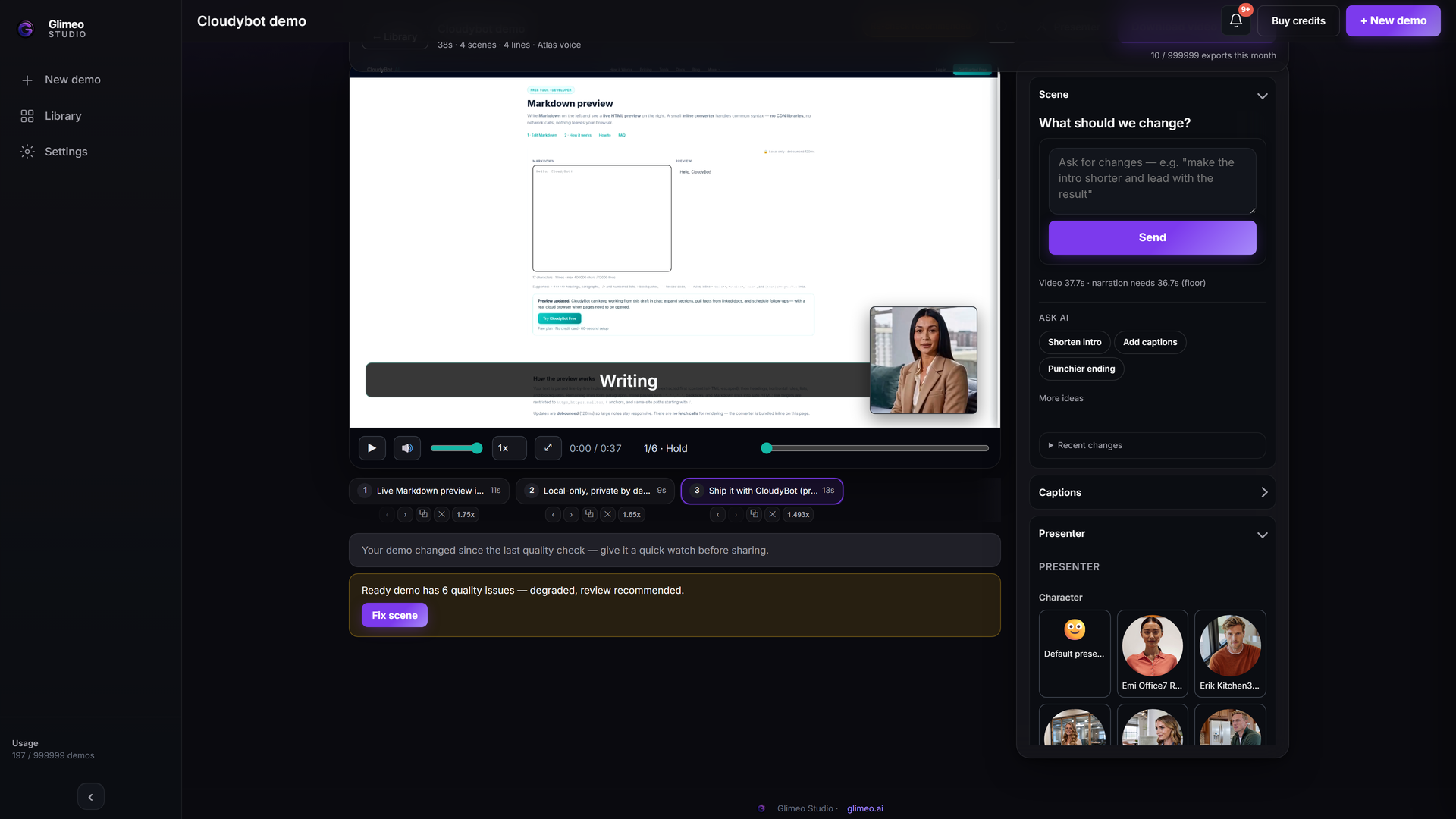 Explore Studio →
Explore an authored walkthrough of the interface and workflow. This is an interface guide, not a generated customer demo or a live editing session.
A structure to adapt
- Start with the result. Show the completed task so viewers know where they are going.
- Show the essentials. Demonstrate the few steps needed to get there. Name controls as they appear.
- Make success visible. End on the saved result and point to the viewer’s next action.
Start with this brief
Show a new user how to complete their first useful task. Start with the result, demonstrate the steps, and end on the saved outcome.
Add your product URL, replace the brackets and choose Show it or Describe it in Studio. Review the script and the final video before sharing.
More demo examples · Add a language version
Explain once. Let them follow the steps.
Use the video to introduce the first useful task. After it is ready, create the included interactive companion from its supported capture. New users can click through the sequence, revisit an explanation and see the recorded result before trying your product themselves.
Finish the video, choose Create interactive demo, review the screens, hotspots and descriptions, then share. See the steps and supported sources →