

Explore before you create
Product demo video examples
Explore Studio and plan a product story for your audience.
Explore the workflow in Studio.
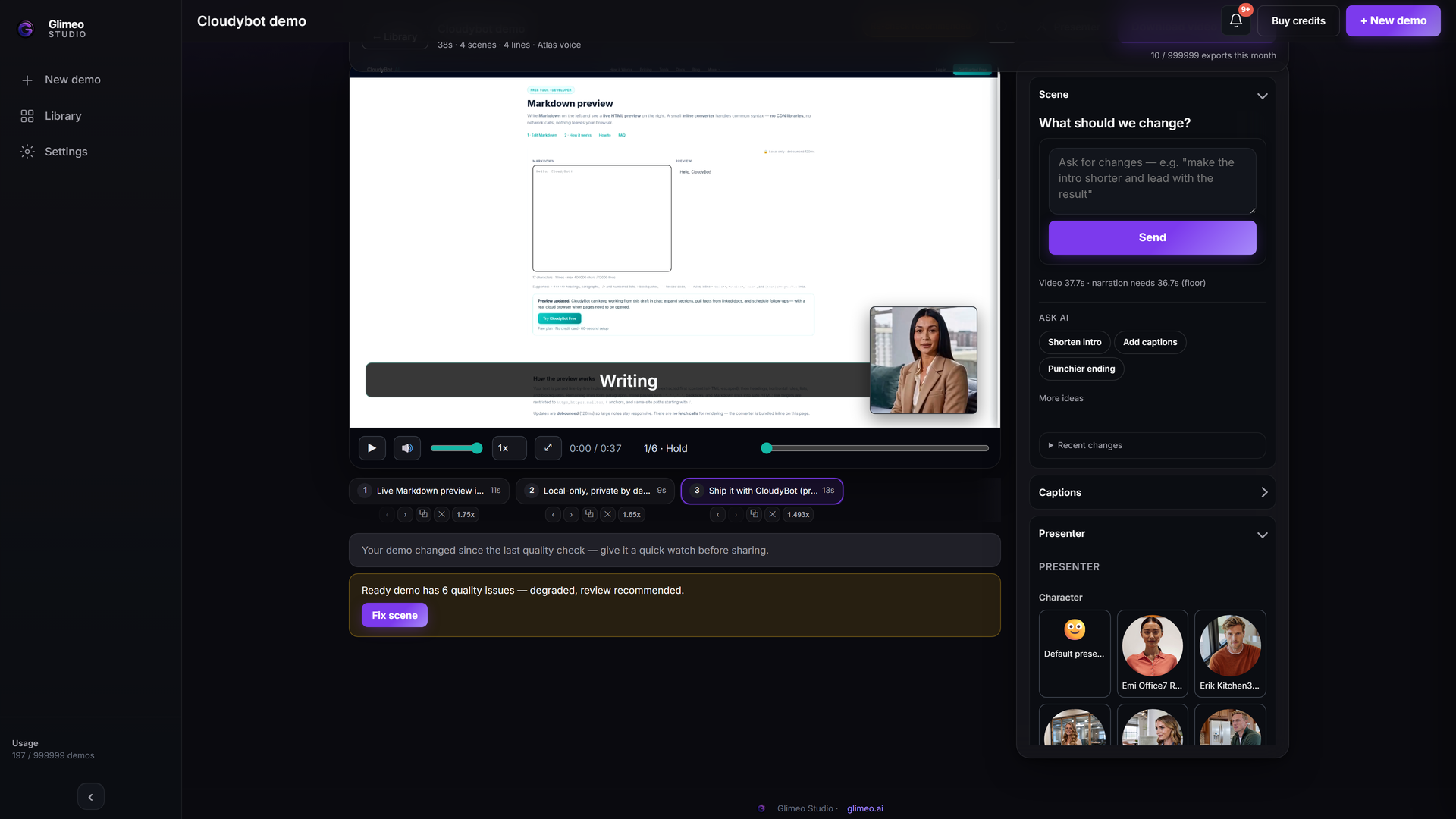 Explore Studio →
Explore an authored walkthrough of the interface and workflow. This is an interface guide, not a generated customer demo or a live editing session.
The walkthrough is authored to explain the interface. The use-case pages below provide script structures; they are not customer case studies.
See how a demo comes together.
Explore Studio at your own pace. These guided tours introduce the interface and the steps for creating a demo.
Interactive tour
Your first demo in Studio
Explore the brief, storyboard, voiceover and export steps.
Interactive tour
A demo for your next sales message
Click through the workflow from a product URL to a video ready to share.
Taking your story to another audience? Explore video languages and voice samples →
A video to watch. An interactive companion to explore.
Your supported video capture can become a guided clickable demo at no extra conversion cost. Use the video to explain the story and the interactive companion to let people explore the steps. See how to create both.
Studio tours explain the interface. Create and review your own video before preparing its supported interactive companion.