Sales outbound demo video example
Show why it matters before asking for a meeting.
For outreach, demonstrate one choice or result relevant to the recipient. Use the structure below to explain the problem, show a useful workflow and offer a clear next step. This is a script reference, not a sales campaign case study.
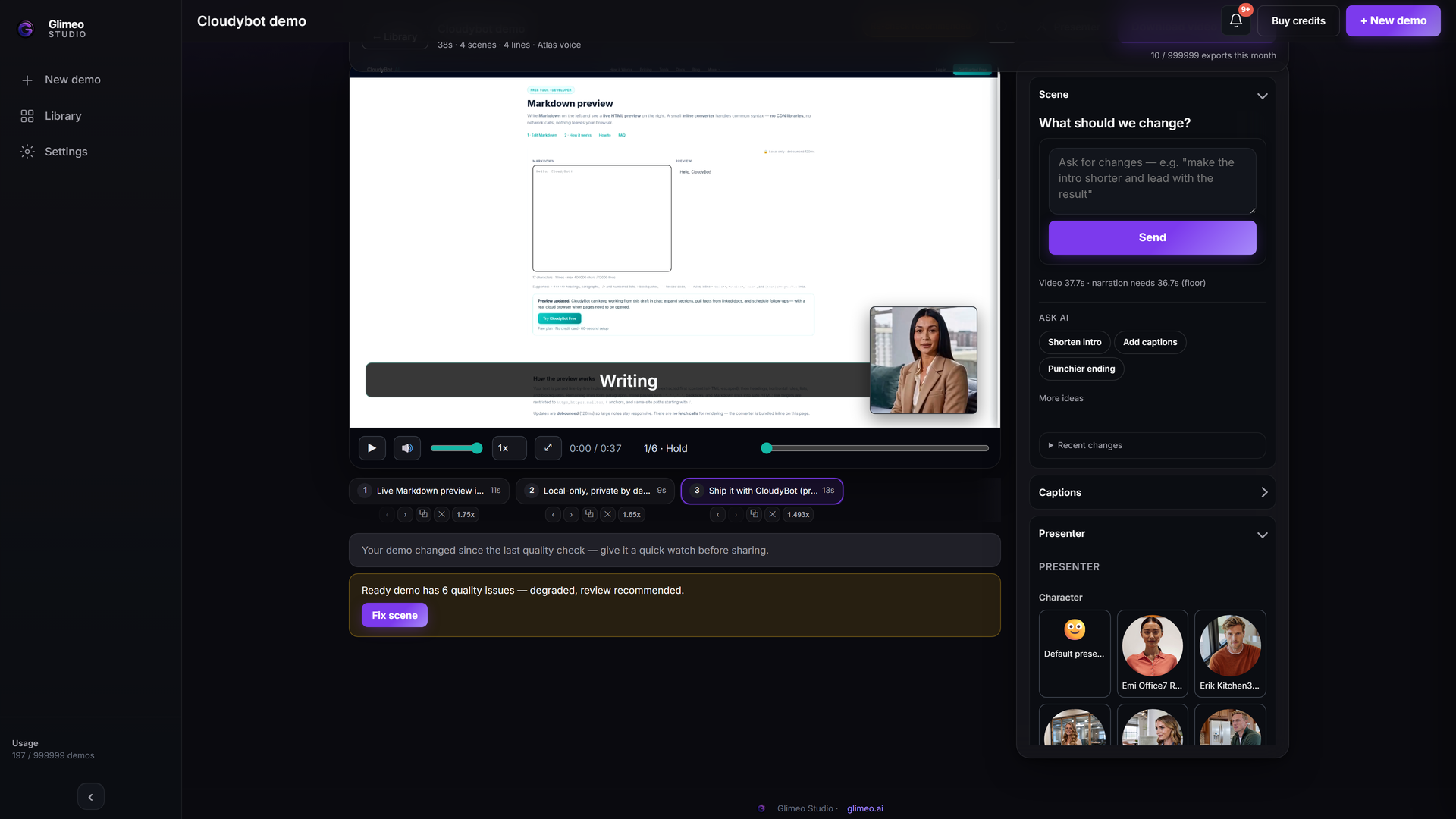 Explore Studio →
Explore an authored walkthrough of the interface and workflow. This is an interface guide, not a generated customer demo or a live editing session.
A structure to adapt
- Name the need. Use one sentence about the task your prospect wants to complete.
- Show the useful difference. Demonstrate the workflow or comparison in the actual product.
- Offer a next step. Invite the viewer to try it or discuss their use case. Avoid unmeasured ROI claims.
Start with this brief
Want to see the steps first? Explore the sales demo workflow in Studio →
Create a short sales walkthrough for [audience]. Show how [workflow] leads to [visible result]. End with an invitation to try it.
Add your product URL, replace the brackets and choose Show it or Describe it in Studio. Review the script and the final video before sharing.
More demo examples · Add a language version
Send the story. Leave room to explore.
Use the narrated video in your follow-up to explain the prospect’s workflow. Add its included interactive companion so they can inspect the steps at their own pace and share it with colleagues before the next call. Link to the reviewed package or embed the tour on your sales page.
Finish the video, choose Create interactive demo, review the screens, hotspots and descriptions, then share. See the steps and supported sources →